// browser extension · chrome and firefox
Beagle in your browser.
Your Beagle identity, profile and messages in the browser, with a Solana wallet and Fill with Beagle for web forms. No account, keys on your device.
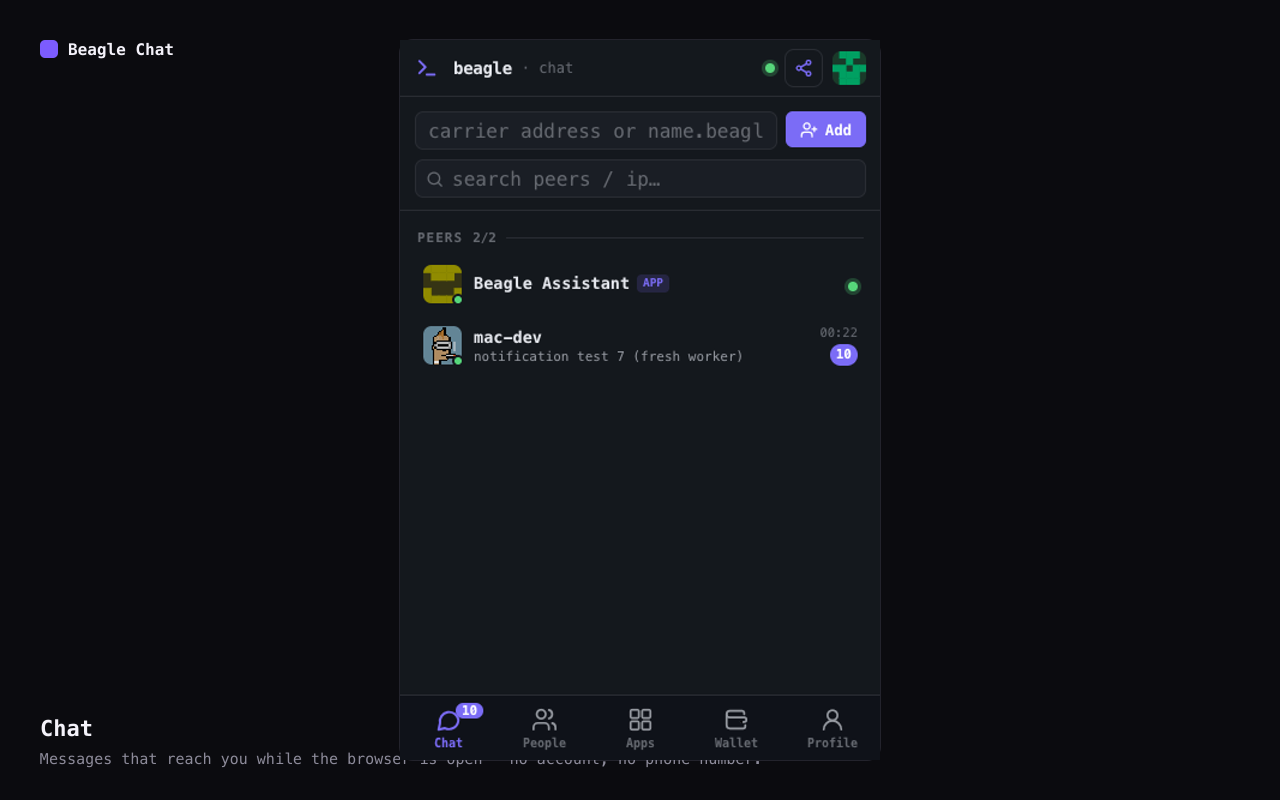
Your Beagle identity, profile and messages in the browser, with a Solana wallet and Fill with Beagle for web forms. No account, keys on your device.
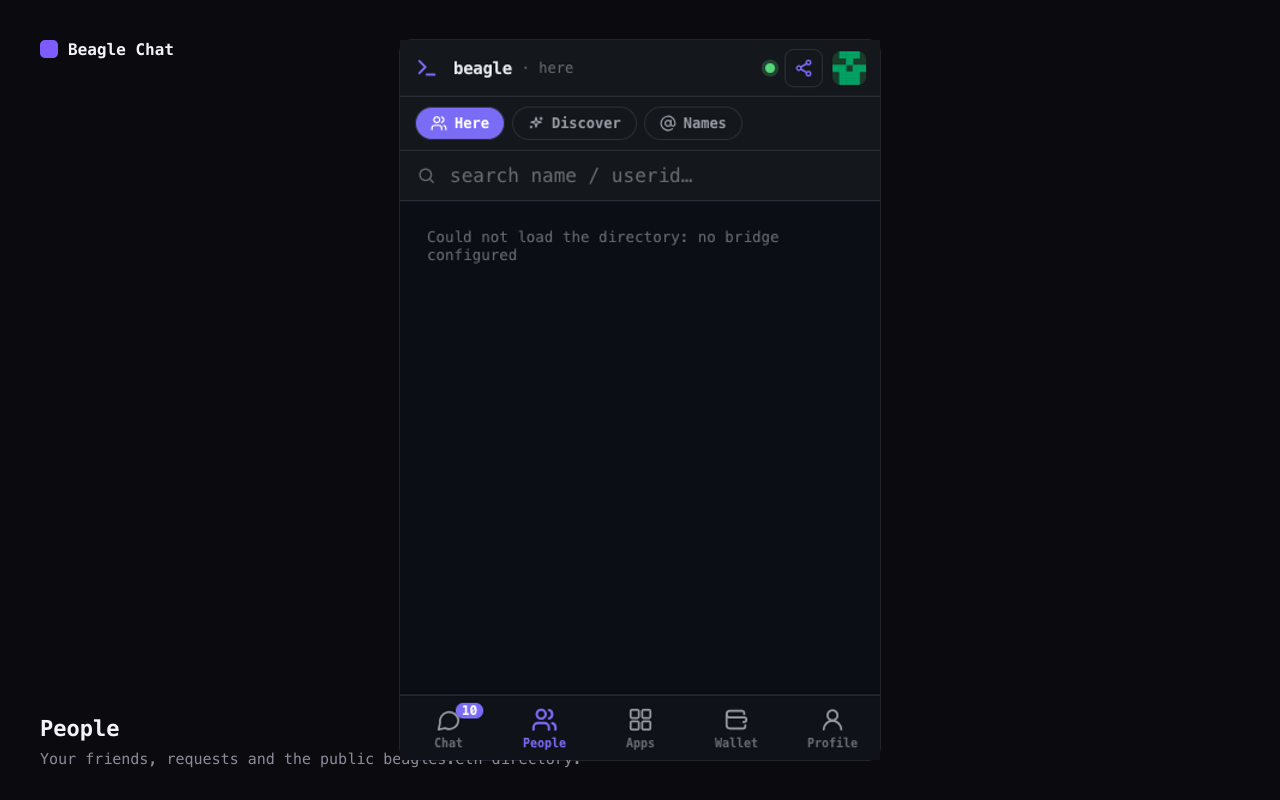
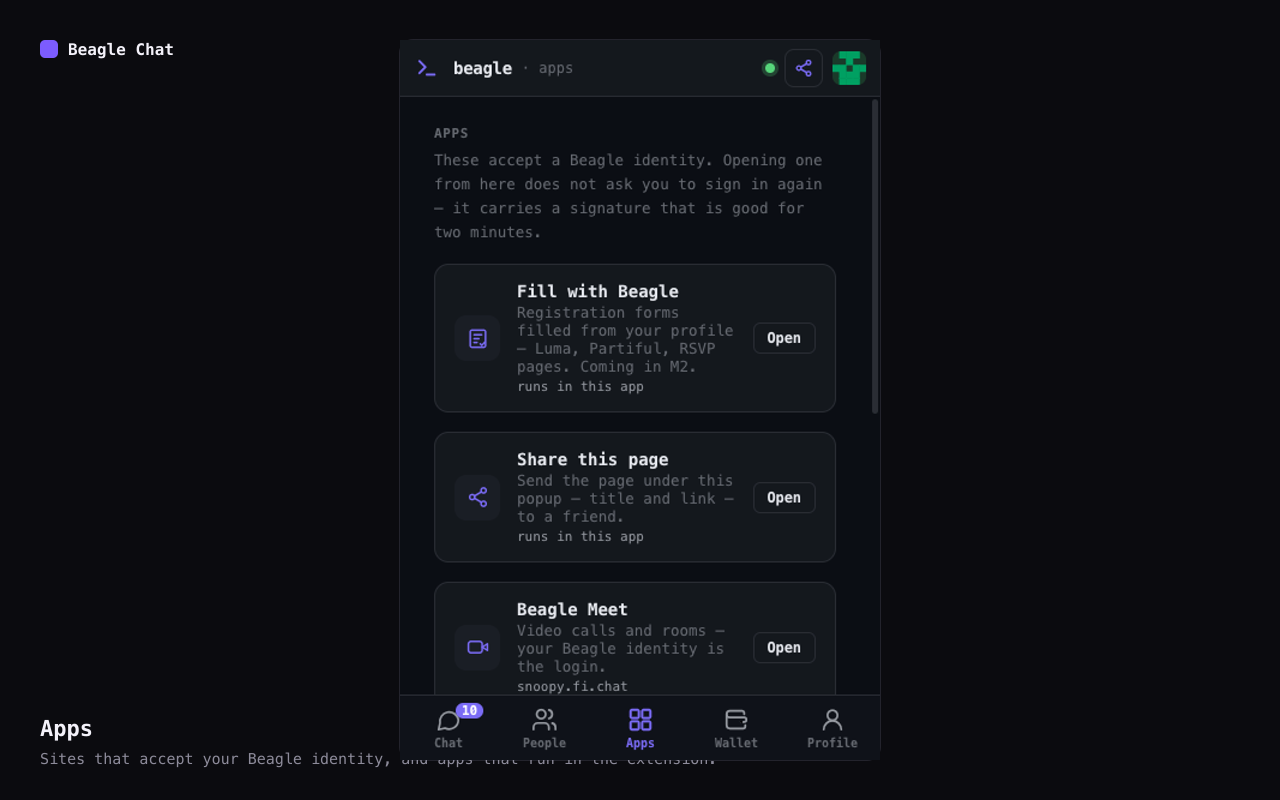
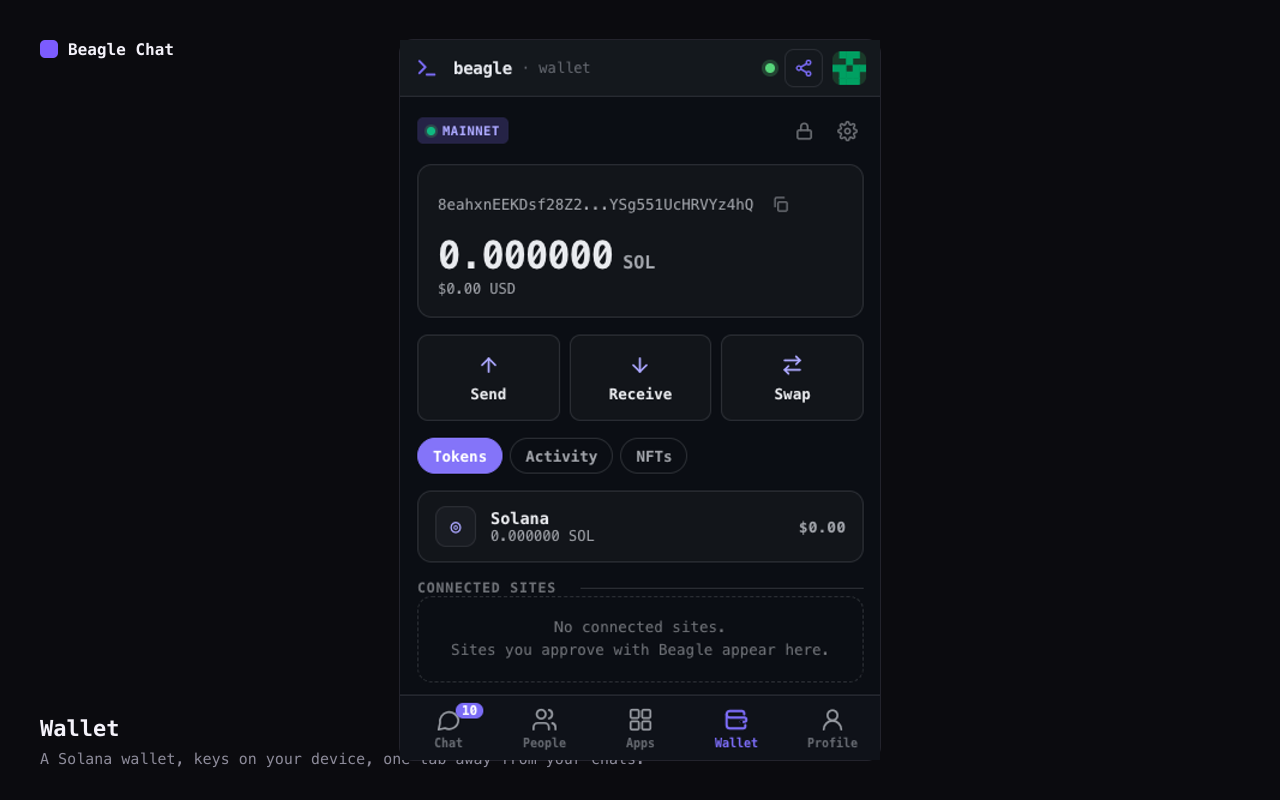
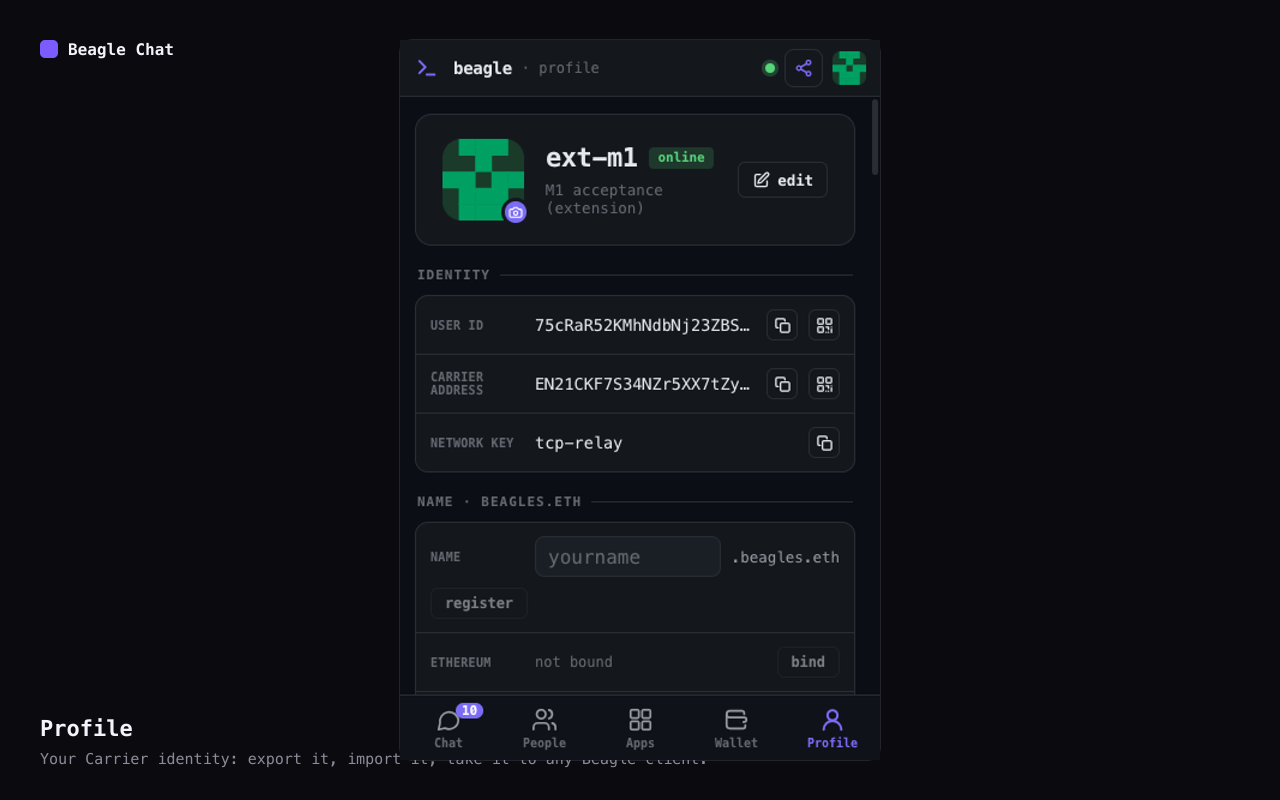
There is no account and no phone number, and relays only ever carry ciphertext. The one service of ours that receives page or profile content is the Fill agent, and only when you press Fill.
The keypair that is your Beagle identity — created on your device, in the extension's own storage, never sent anywhere.
Your roster, requests and history, on this device. End-to-end encrypted in transit.
Fields you fill in, each with a disclosure policy you set. Stored locally. Fields set to private or ask each time never leave the device; fields set to public or contacts may go to the Fill agent when you press Fill.
Seed phrases and private keys, encrypted under your password. Signing happens on the device.
Removing the extension removes it all — export your identity key and your wallet's recovery phrase first. The privacy policy says exactly what the Fill agent receives and how long it keeps it, and lists every network service the extension talks to. Privacy policy →
Export the key file from any Beagle client and import it in the extension's Profile tab. Anyone holding that file is you — keep it private.
Built on the Decent Network peer (Carrier), the same network the Beagle apps for iOS, Android and desktop use.
Your Beagle identity, profile and messages in the browser, with a Solana wallet and Fill with Beagle for web forms. No account, keys on your device.